How-toSample story
How to make an old laptop feel new
An SSD, more memory and a clean install. Three upgrades that cost less than a phone.

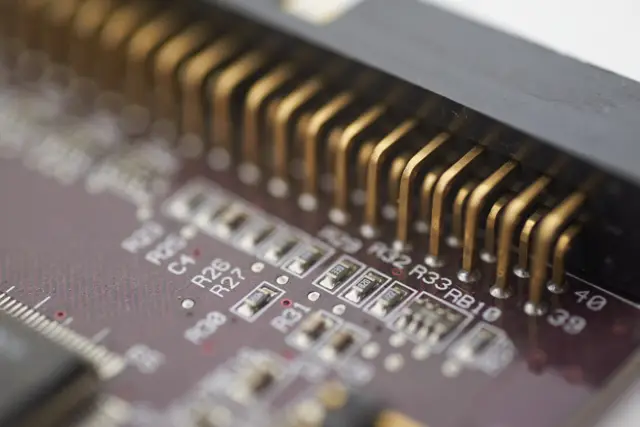
Many slow laptops are not old, they are just running on a hard disk and too little memory.
Replacing the hard disk with an SSD is the single biggest improvement. Adding memory is the second.
Finish with a clean install of the operating system and only the apps you need.
In this order
- Back up your files
- Swap the hard disk for an SSD
- Add memory if there is a free slot
- Clean install, then only essential apps
Sample article on a made-up website. The writer, details and story are for demonstration only.