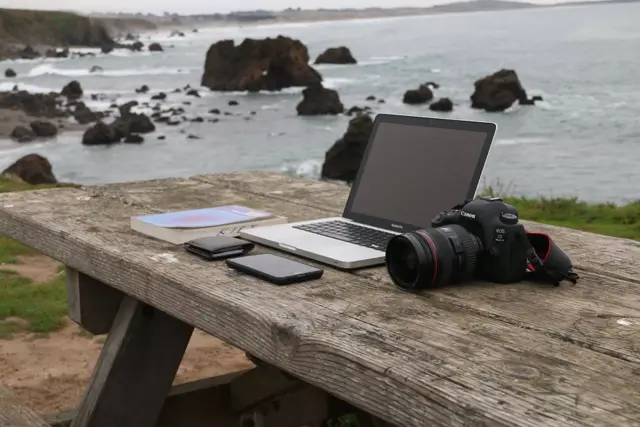
 Development
Python and data basics
Programming with Python, then cleaning and charting real data sets.
- 3 months
- Beginner
- Weekend
Office
Typing, documents, spreadsheets and presentations for office jobs, with a practical test at the end.
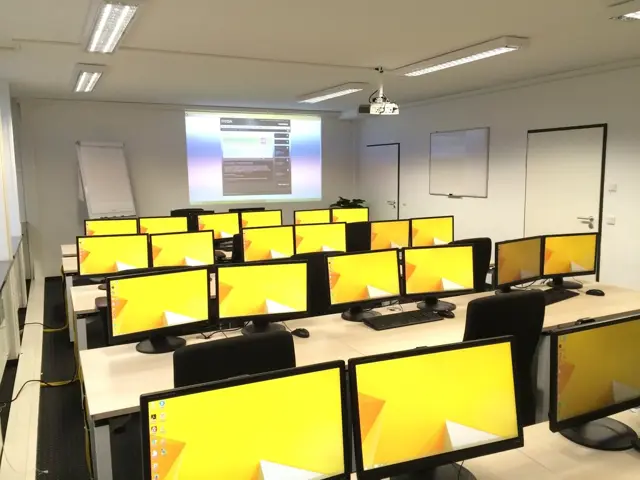
Speed and accuracy drills.
Letters, reports and formatting.
Formulas, tables and charts.
Clean, simple slides.
Real office tasks.
| Batch | Timing |
|---|---|
| Morning batch | Mon to Fri, 9:00 to 11:00 am |
| Evening batch | Mon to Fri, 5:00 to 7:00 pm |
Timings are a sample. The office confirms the batch when you enrol.
Job seekers and office staff.

Digital marketing
Runs campaigns for local brands.

Office and typing
Trains office staff and job seekers.
Made-up staff for this sample. Initials stand in for photos.
Labs have computers for class. A personal laptop helps for practice at home, especially for development and design courses.
Yes, an institute certificate after you pass the final project or practical test.
Fees depend on the course and are shared by the office. Instalments and some scholarships are available.
Yes, join a free orientation session to meet trainers and see the labs.
DevelopmentProgramming with Python, then cleaning and charting real data sets.
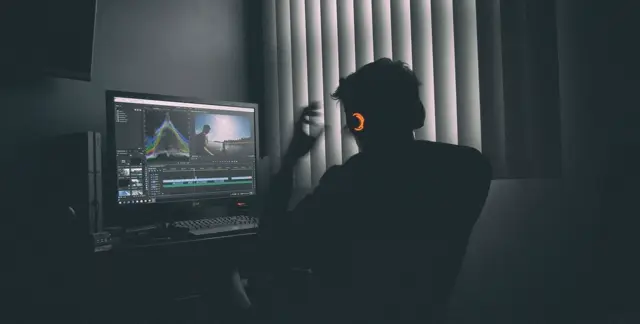 Design
Edit reels, ads and YouTube videos, with simple motion graphics and sound.
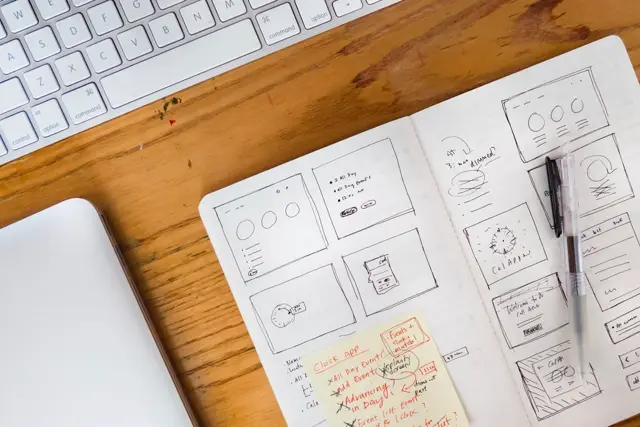 Design
Research, wireframes and polished screens, ending with two case studies.